Why people stop tracking expenses
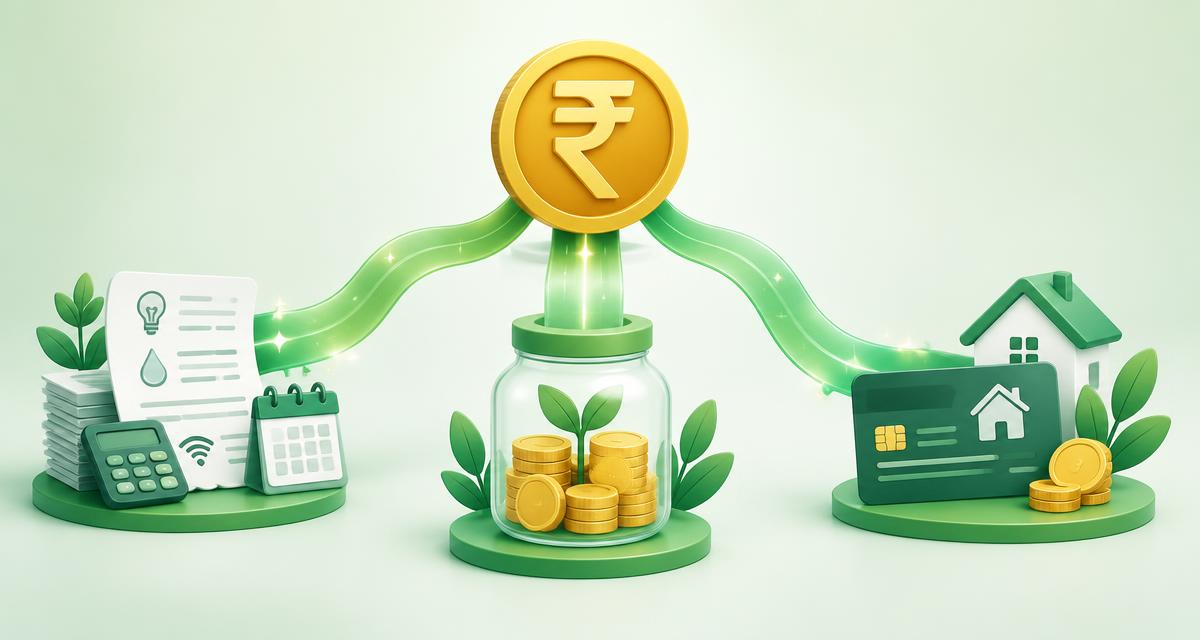
Dozens of UPI payments a week make manual tracking exhausting. After a couple of weeks, most people give up — and lose sight of where their money goes.
How statement import works
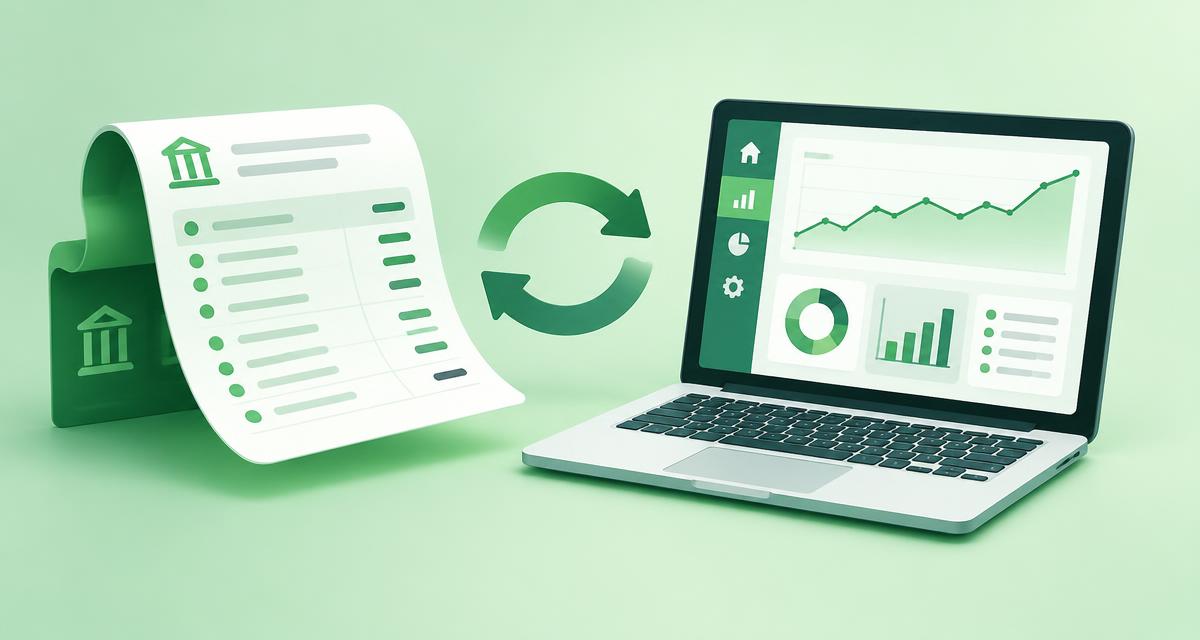
Download your statement from net banking, choose the bank account in Fincency and upload the file. CSV, Excel and text-based PDFs are supported, along with common Indian layouts — separate Withdrawal/Deposit columns or one Amount column.
- Money in is saved as income
- Money out is saved as expense entries
- The bank balance updates by itself
Review before you save
You see every row first, with money in and out shown separately and the new balance predicted. Untick anything you want to skip and add categories to payments.
Link EMIs and remember keywords
Use 'Pays off' to link a payment to a debt, saving or goal — an HDFC EMI reduces your home loan automatically. Tick 'Remember' and future imports fill in the same category and link for matching keywords.
No double counting
Re-upload an overlapping statement and rows already in Fincency are flagged 'already added?' and unticked. No bank login is ever needed — you stay in control of your data.
Try it free with Fincency
Set up your first AI money plan in about five minutes — no bank login required.
Get startedThis article is for information and education only and is not financial, tax or investment advice. Fincency's suggestions are AI-generated.